Resources
Course-specific links for the Data Engineering Zoomcamp. For general zoomcamp logistics, see Zoomcamp Logistics.
GitHub Repository
The repository is your primary navigation tool throughout the course.
github.com/DataTalksClub/data-engineering-zoomcamp
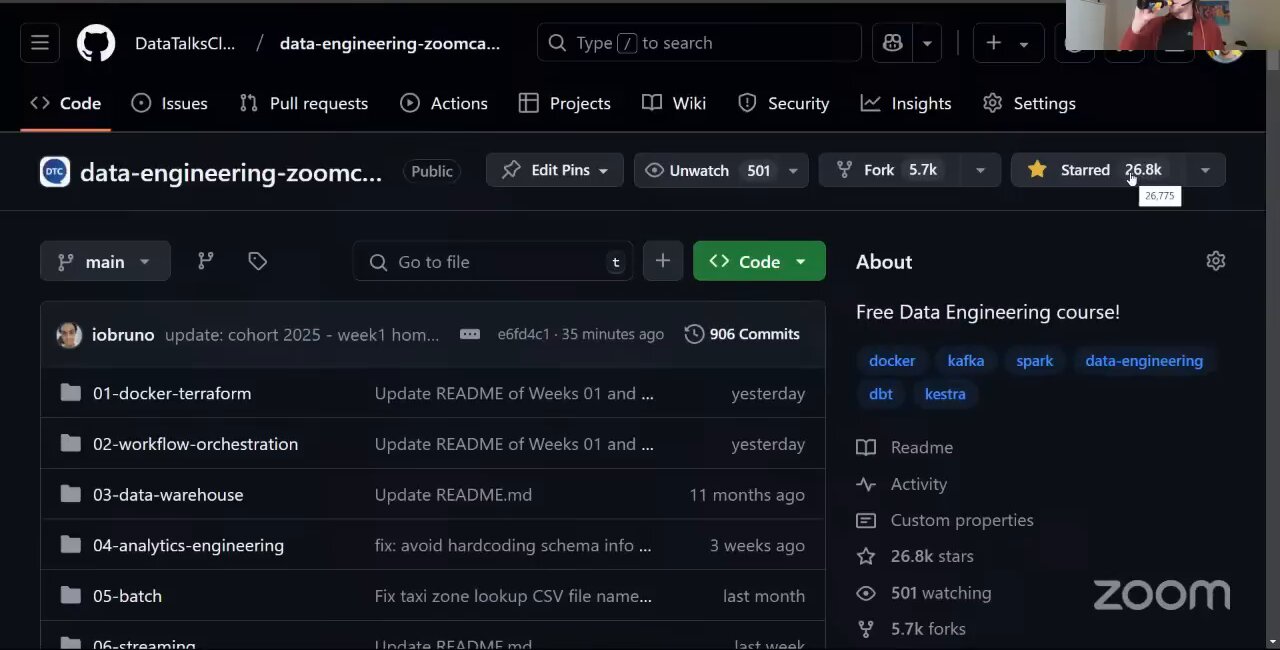
How to use it:
- Start in the module folder you are working on.
- Read the README in that folder for an overview.
- Follow the links to video lectures.
- Complete the homework assignment.
- Check the cohort folder for any cohort-specific materials.
Repository structure (one folder per module):
01-docker-terraform/- Docker, PostgreSQL, Terraform, Google Cloud setup.02-workflow-orchestration/- Workflow orchestration with Kestra.03-data-warehouse/- Data warehousing with BigQuery.04-analytics-engineering/- Analytics engineering with dbt.05-batch/- Batch processing with PySpark.06-streaming/- Stream processing with Kafka and Flink.projects/- Final project guidelines.
Cohort folders contain materials specific to each edition:
The 2026 cohort folder contains per-module subfolders, the cohort README.md, and the project guidelines.
YouTube
Subscribe to the DataTalks.Club YouTube channel for new content.
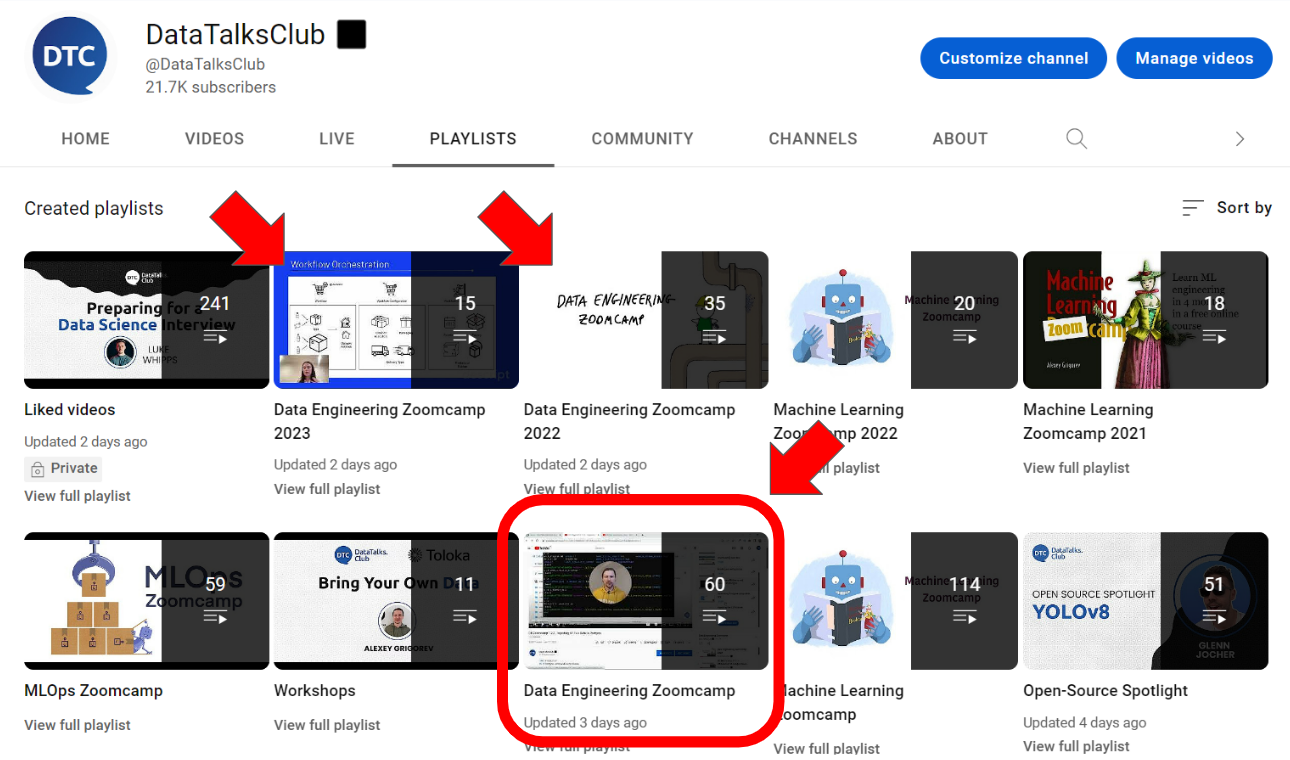
There are two playlist types:
Main playlist (pre-recorded lectures, the core curriculum):
Cohort playlists include live sessions and extra material:
Cohort playlists are supplementary, so focus on the main playlist first. Explore the cohort playlist for extra insights.
Course Platform
The course management platform is where you submit homework, track your progress, and submit your project.
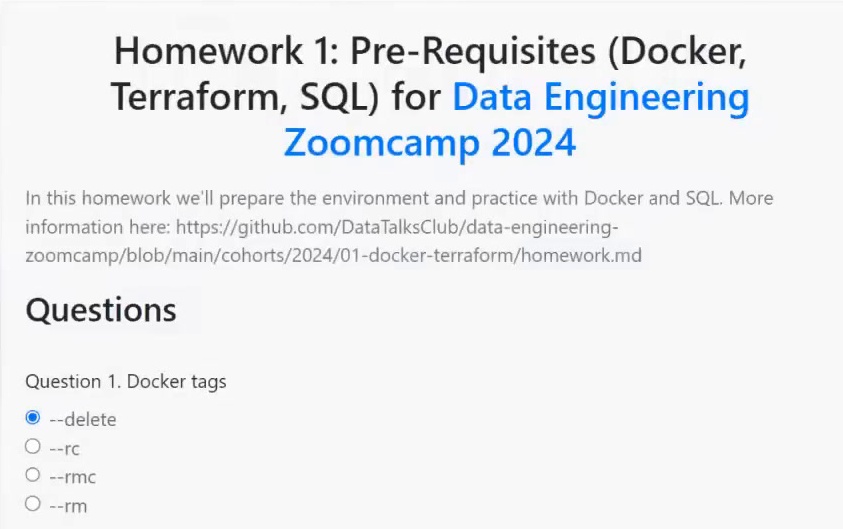
For the platform UI in detail, see Course Management Platform.
Slack
DE-specific channel: #course-data-engineering.
Use this channel for all DE-specific questions, homework discussion, and project Q+A. For all DTC Slack channels, see the Slack guide.
Telegram
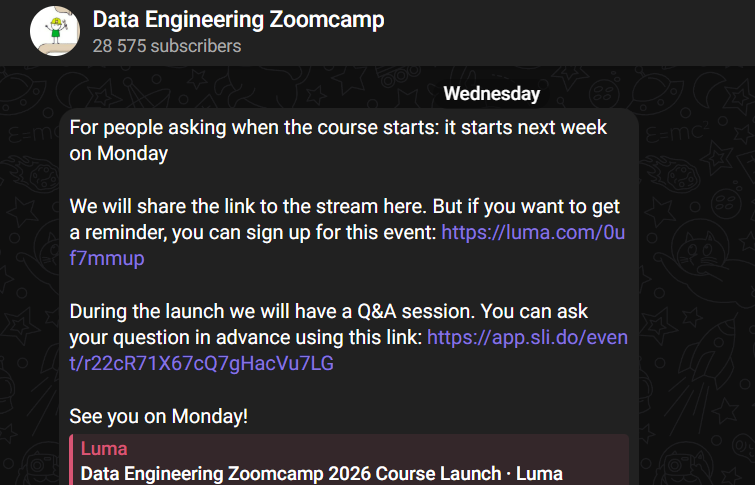
DE announcements channel: t.me/dezoomcamp. It is announcement-only, so questions are not monitored there.
FAQ
The Data Engineering Zoomcamp FAQ contains answers to module-specific and technical questions from previous cohorts. Check it before posting in Slack.
Community Notes
Past cohort participants contribute notes that summarize the course content. They live in the course repository (typically under a notes/ or per-module folder). Browse the GitHub repo and look for community-contributed notes referenced from each module’s README.
Course Dataset
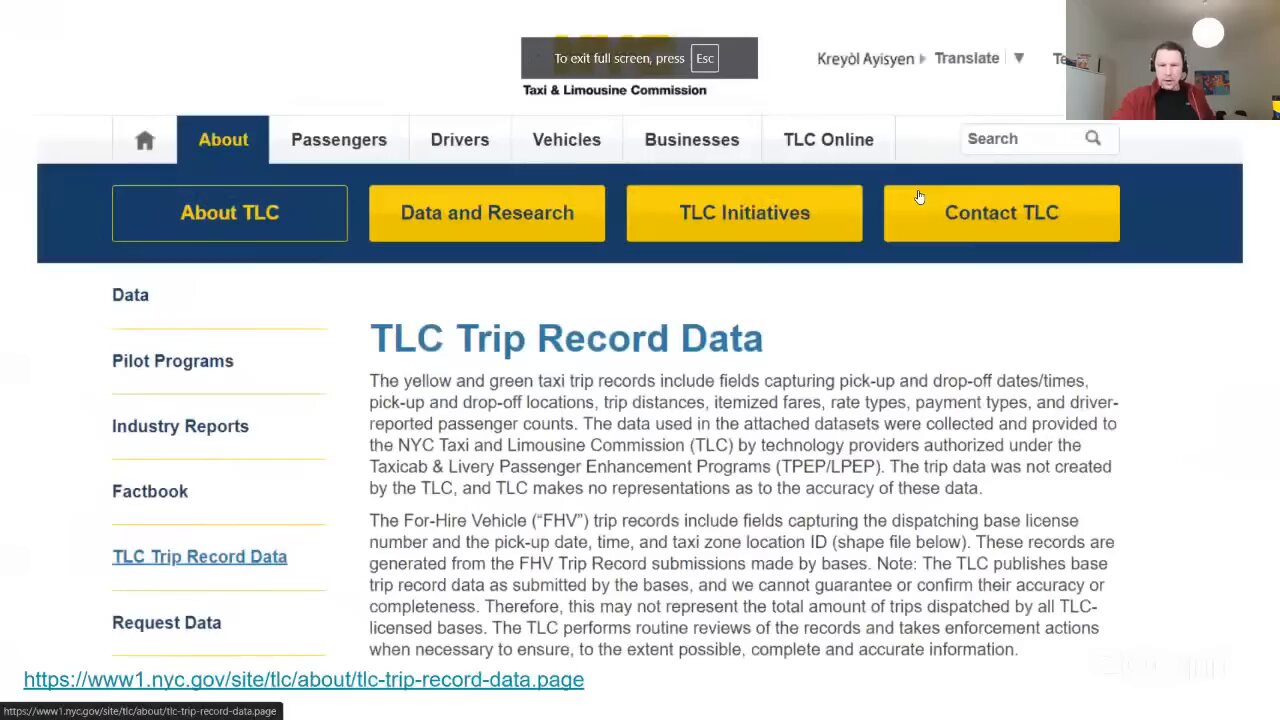
Throughout the course you work with the New York City taxi trips dataset.
Why this dataset:
- Messy and imperfect. You will encounter missing values, inconsistent formats, and quality issues.
- Outliers and anomalies. Negative fares, impossible distances, trips from the future.
- Requires cleaning. You learn to validate, filter, and transform.
- Sufficiently large. Big enough to justify proper engineering, small enough to remain manageable.
- Evolving schema. The NYC TLC has modified the structure over time, so you learn to handle schema changes.
- Well-documented. The official documentation provides data dictionaries.
- Free and publicly available.
Data format:
- Historical data (2019-2021): CSV files in the DataTalksClub mirror repository. The course uses these for some modules to demonstrate CSV-to-Parquet conversion.
- Recent data (2025+): Parquet files directly from the official NYC TLC Trip Record Data page.
If you get a 403 Forbidden error when using the original s3.amazonaws.com/nyc-tlc/... URLs, NYC TLC has changed the source. Use the DataTalksClub mirror or the official NYC TLC parquet files instead.