Resources
Course-specific links for the Machine Learning Zoomcamp. For general zoomcamp logistics, see Zoomcamp Logistics.
GitHub Repository
The repository is your primary navigation tool throughout the course.
github.com/DataTalksClub/machine-learning-zoomcamp
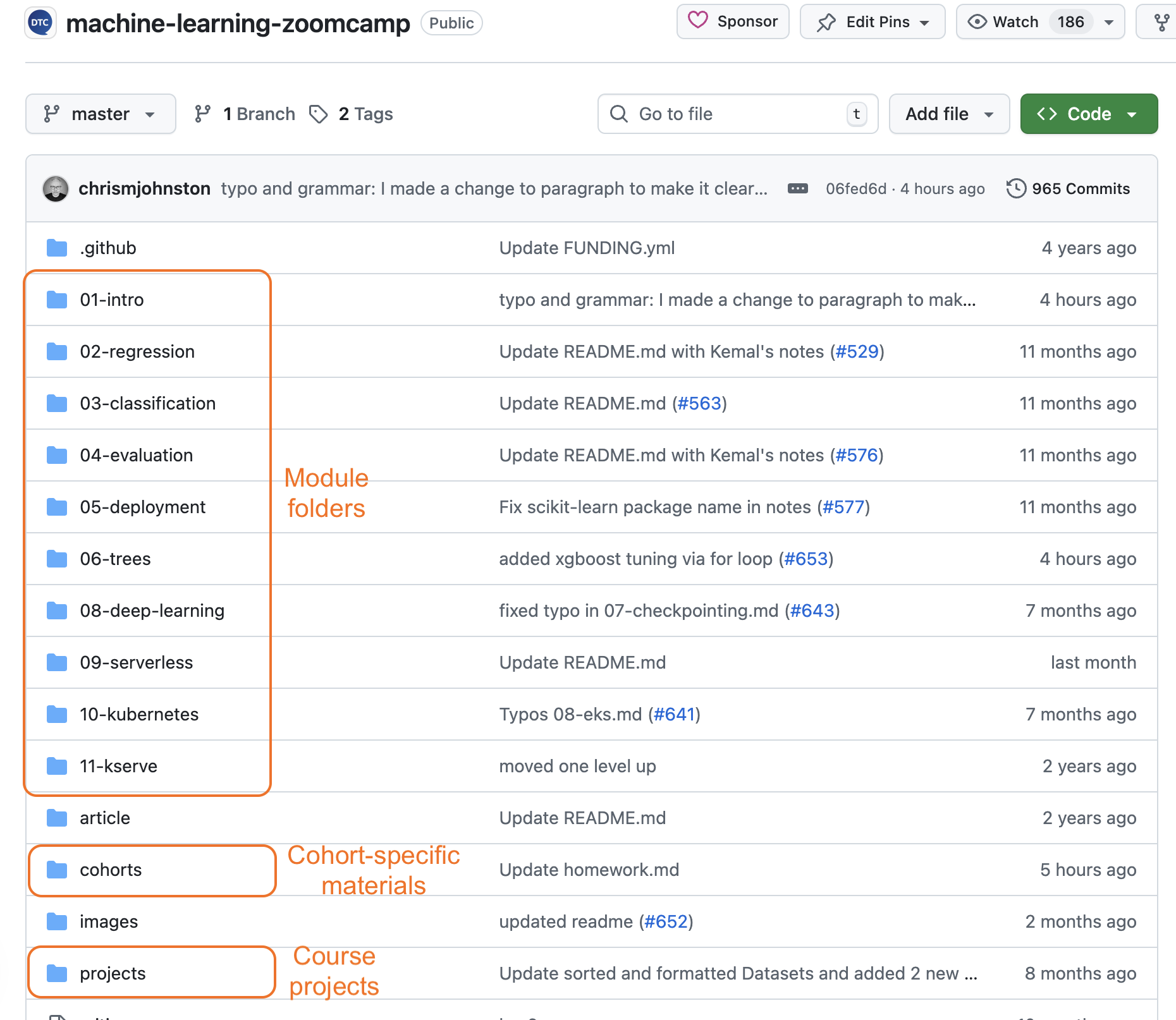
How to use it:
- Start in the module folder you are working on.
- Read the README in that folder for an overview.
- Follow the links to video lectures.
- Complete the homework assignment.
- Check the cohort folder under
cohorts/2025/for cohort-specific materials.
For the module list and what each covers, see Curriculum.
YouTube
The lectures are pre-recorded:
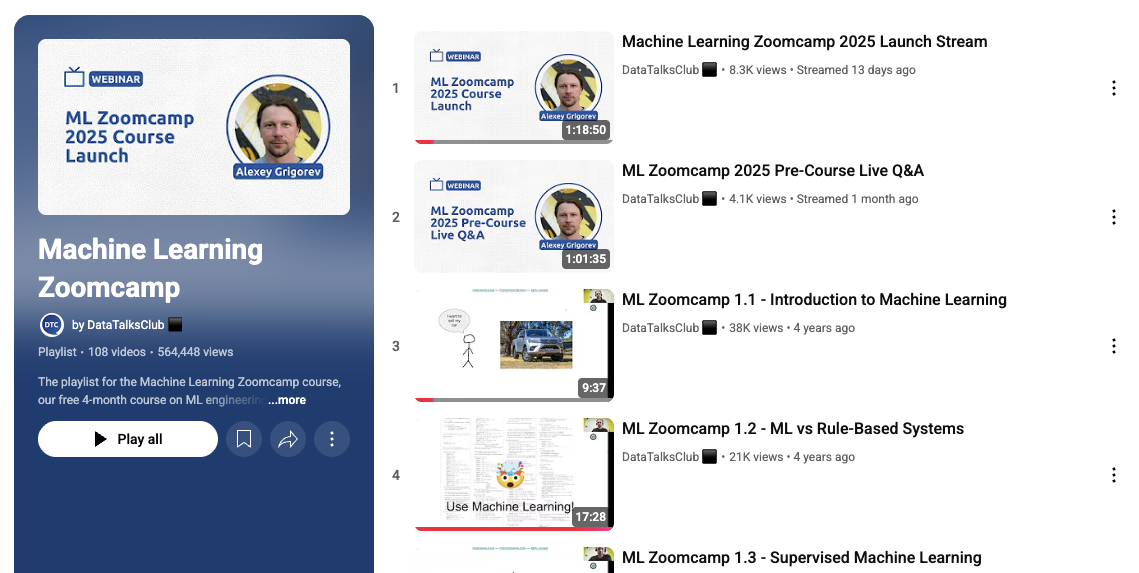
The course is mostly self-paced. Only a kickoff and occasional updates are streamed live. If new videos are added or workshops are scheduled, they are announced in Slack and Telegram.
Course Platform
The course management platform is where you submit homework, track your progress, and submit your projects.
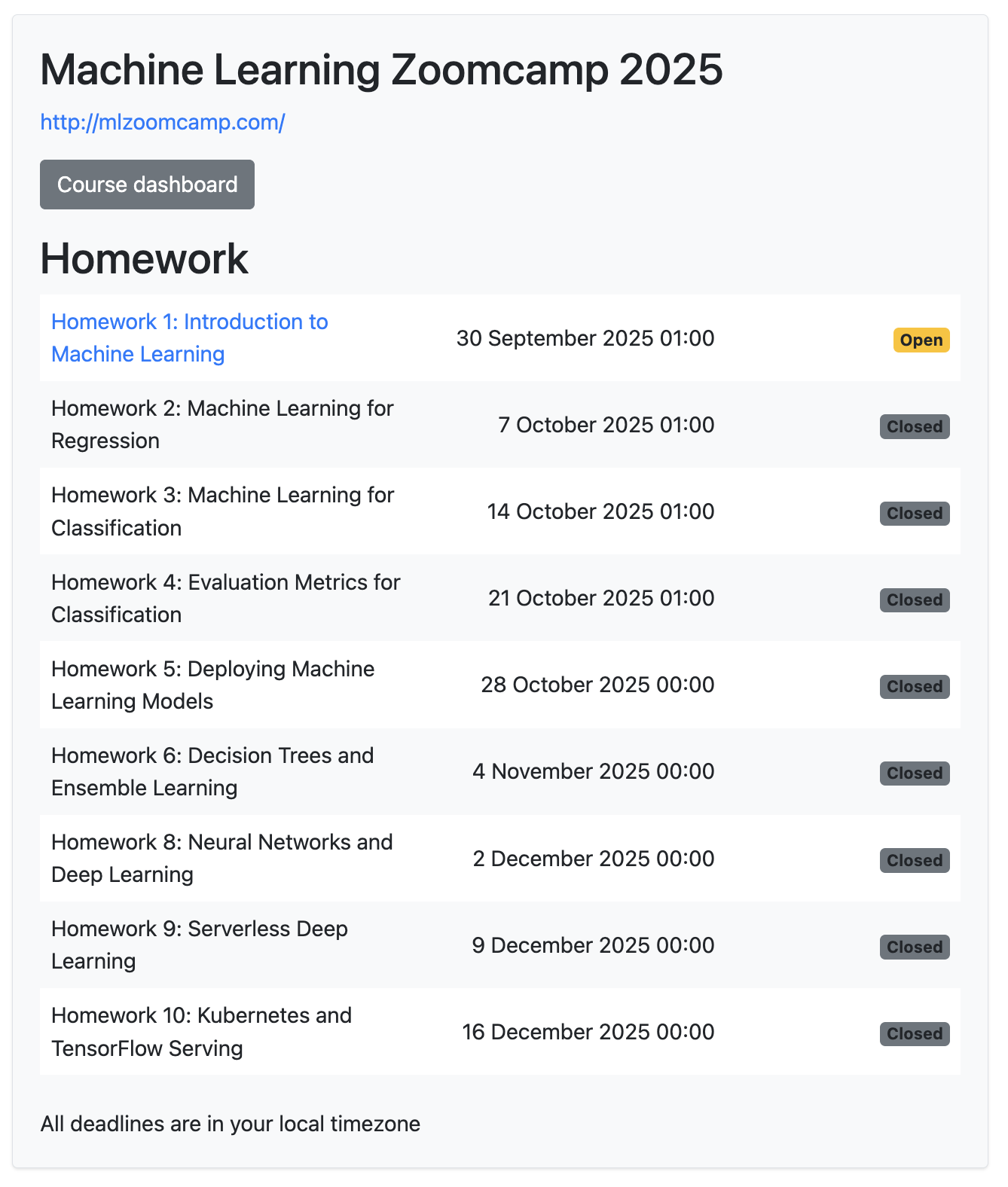
For the platform UI in detail, see Course Management Platform.
Slack
ML-specific channel: #course-ml-zoomcamp.
Use this channel for all ML-specific questions, homework discussion, and project Q+A. For all DTC Slack channels, see the Slack guide.

Telegram
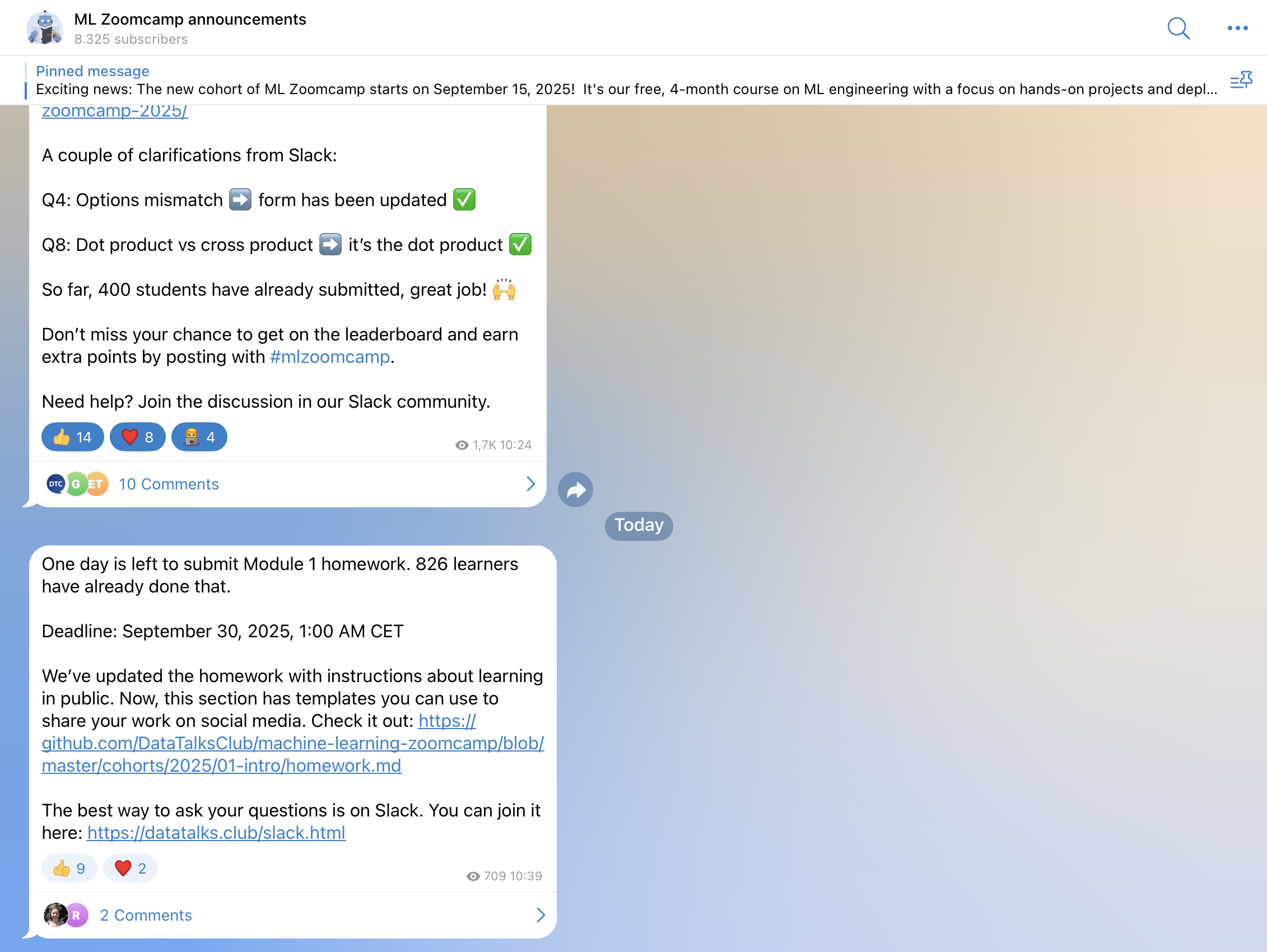
ML announcements channel: t.me/mlzoomcamp. It is announcement-only, so questions are not monitored there.
Newsletter
The DataTalks.Club Newsletter goes out every Monday with course announcements and community updates. The newsletter archive is browsable.
FAQ
The Machine Learning Zoomcamp FAQ contains answers to module-specific and technical questions from previous cohorts. Check it before posting in Slack.

Community Notes
Past cohort participants contribute notes that summarize the course content. They live in the course repository (typically under a notes/ or per-module folder). Browse the GitHub repo and look for community-contributed notes referenced from each module’s README.
Asking for help
For tips on writing a good question (what to include, how to format errors), see the asking for help guide.
Most help requests benefit from including:
- The exact error message.
- A code snippet (use triple backticks for code blocks).
- Your operating system and Python version.
- A link to your GitHub repository so helpers see your full setup.