Getting Started
For the cross-course onboarding, read Joining a Cohort first. It covers registration, account setup, calendar, and newsletter updates.
This page covers the Machine Learning Zoomcamp specifics.
Star the GitHub repository
github.com/DataTalksClub/machine-learning-zoomcamp
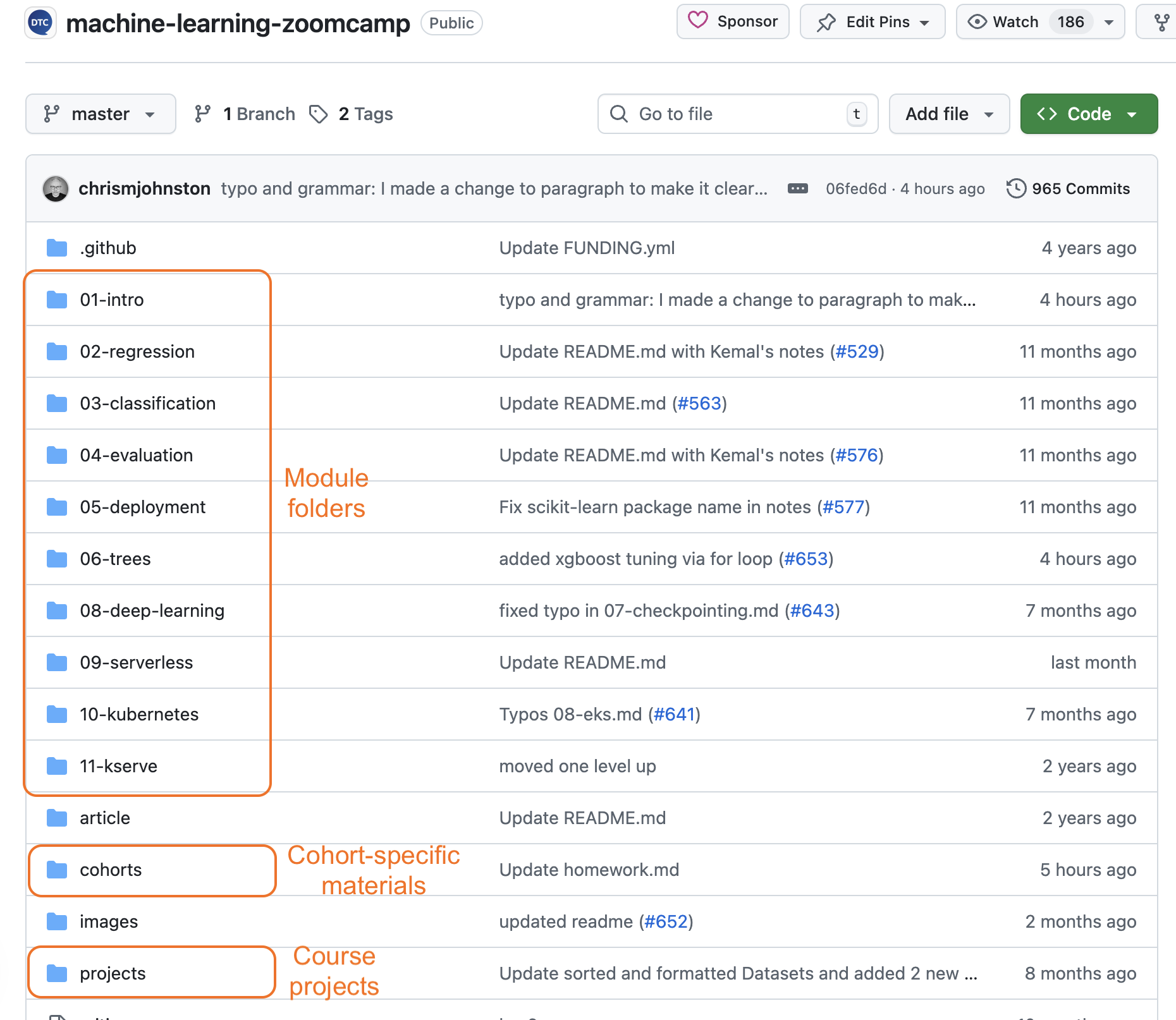
Star it so you can find it later. All course materials are here, with each module having its own folder. Cohort-specific homework and deadlines are under cohorts/2025/.
See Resources for more.
Join the ML Zoomcamp Slack channel
After joining the DataTalks.Club Slack workspace, find:
This is your primary support and Q+A channel for the course.

Subscribe to ML Telegram (optional, recommended)
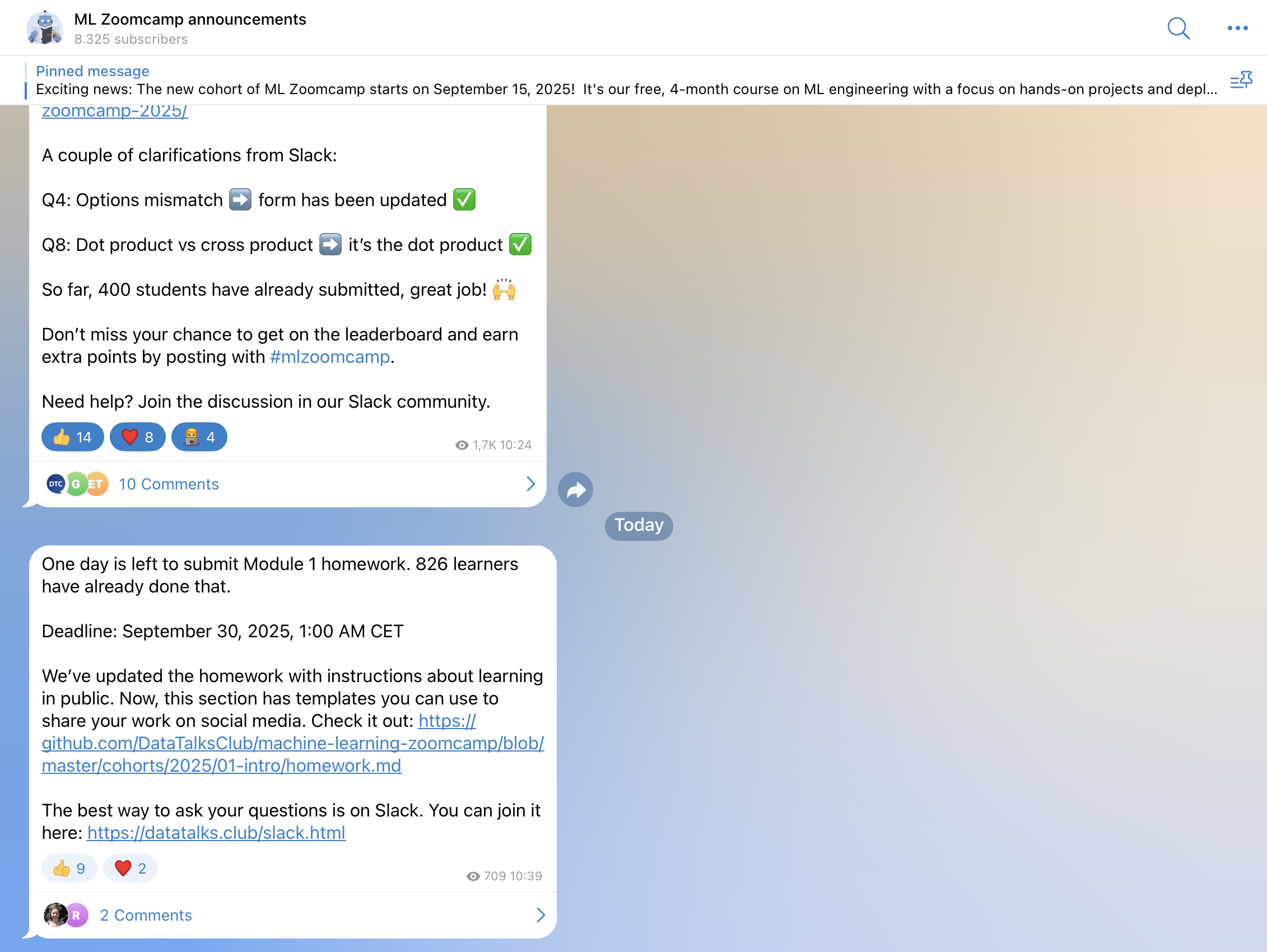
t.me/mlzoomcamp for course announcements. Telegram is announcement-only and is the most reliable place to catch important updates because Slack is busy.
Subscribe to YouTube
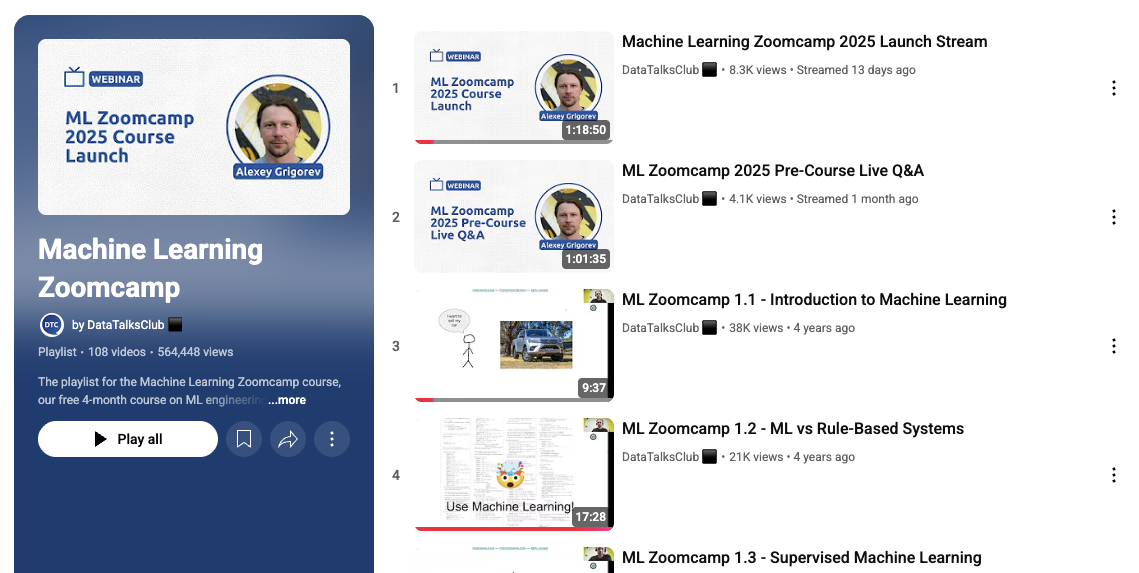
The lectures are pre-recorded and available in the ML Zoomcamp YouTube playlist. The course is largely self-paced. Live sessions are limited to a kickoff and occasional updates.
Bookmark the FAQ
The Machine Learning Zoomcamp FAQ is a comprehensive resource with answers from previous cohorts. Check it before posting in Slack.

Set up your environment
The course uses Python with scikit-learn, FastAPI for deployment, and AWS for cloud examples. See Environment Setup for the choices you need to make.
Start Module 1
Begin with Module 1: Introduction. For what each module covers, see Curriculum.
Next pages
Useful next pages:
- Prerequisites - what you need to know before starting.
- Curriculum - the modules.
- Environment Setup - Python, AWS, dev tools.
- Project - the project rubric (2 of 3 projects required).
- Resources - all ML-specific links in one place.
- What’s New - changes for the current cohort.
- Learning in Public - hashtag for ML is
#mlzoomcamp.